
Your budget. Your priorities.
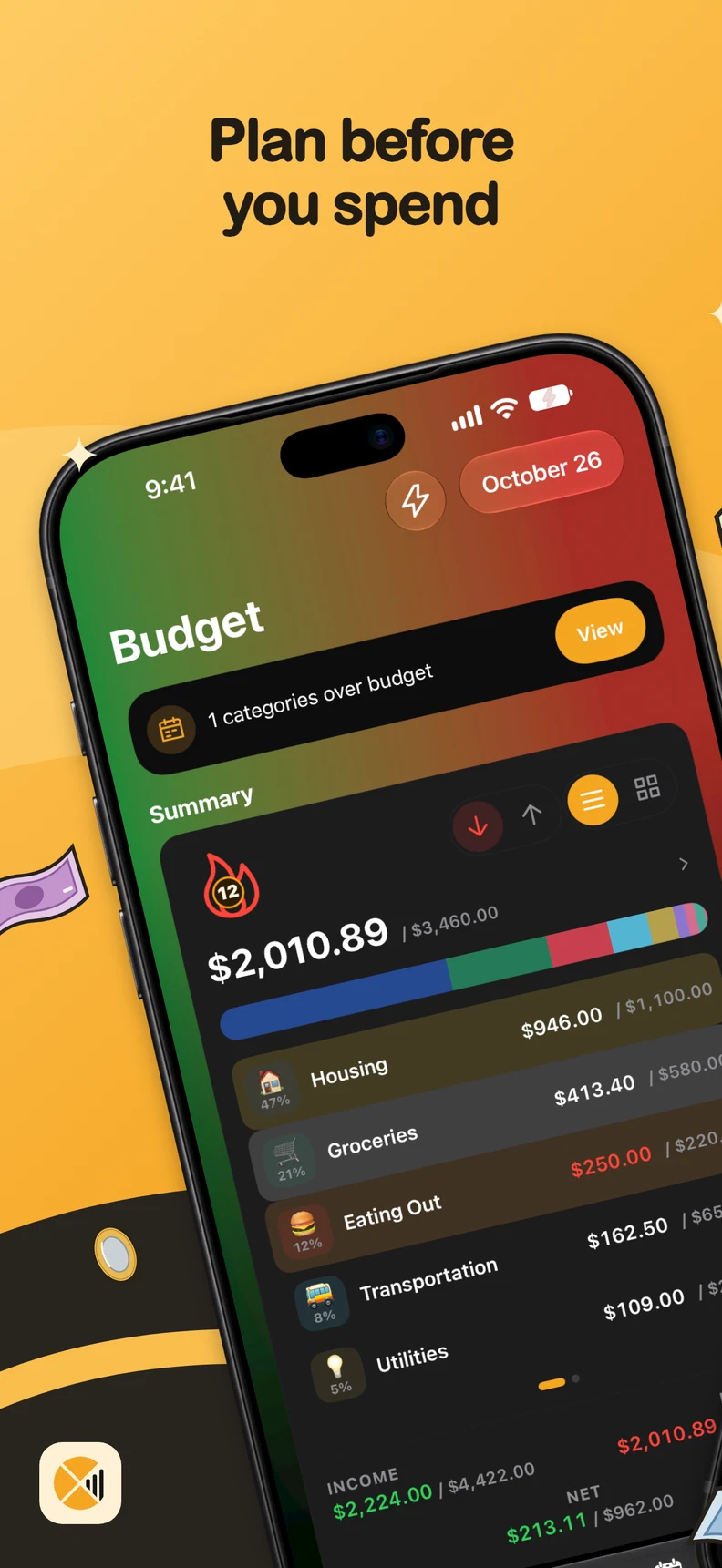
Plan before
you spend.
Give your money a plan. Adjust your budget, make room for savings goals and see upcoming payments without connecting your bank.

Start free. Unlock more features and higher limits with Pro.
- iOS and Android
- No account or bank connection
- Local data, optional assisted entry
Watch in 20 seconds
Your money,
under control.
Ctrl Xpenses
A plan that changes with you.
From today’s budget to tomorrow’s goals. These are real Ctrl Xpenses app screens.
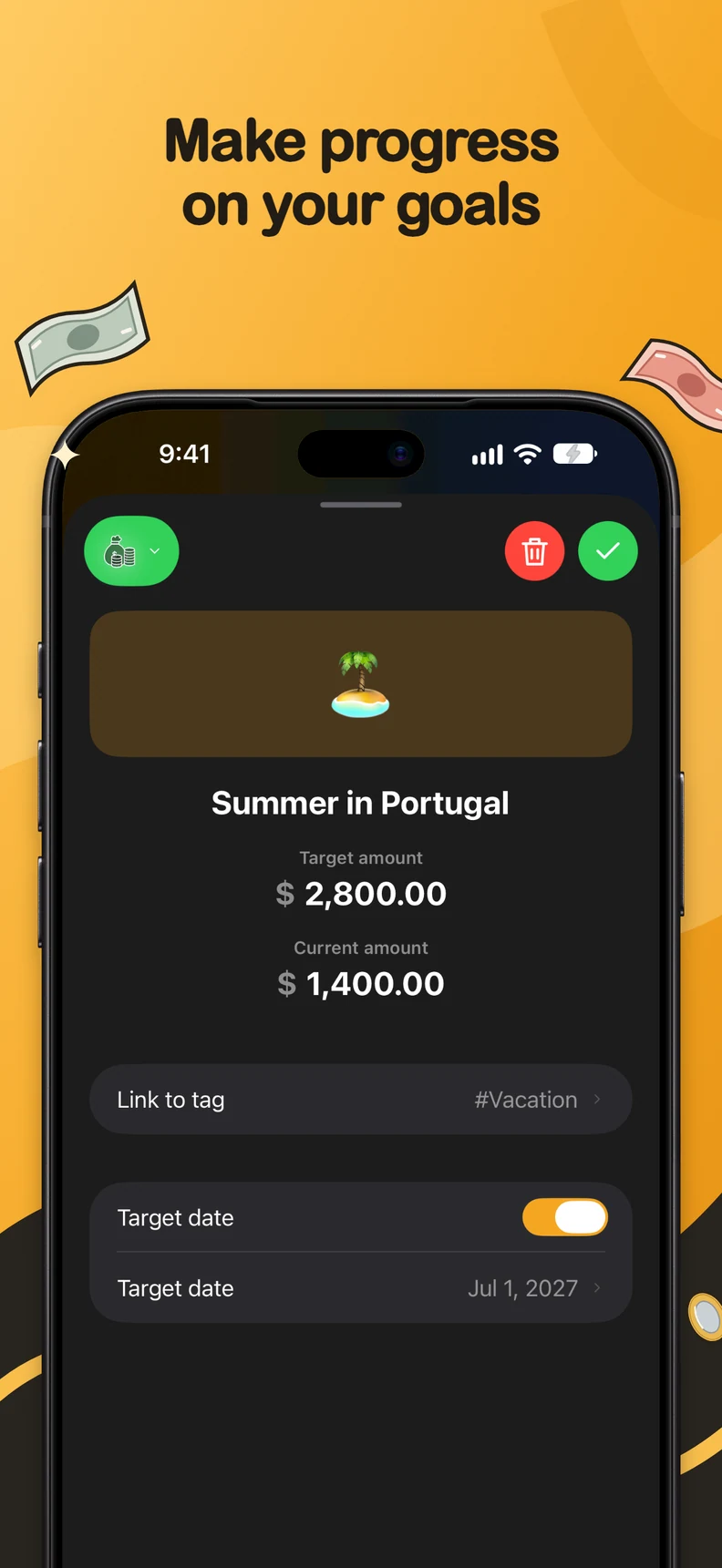
01 / Goals and Monthly Plan
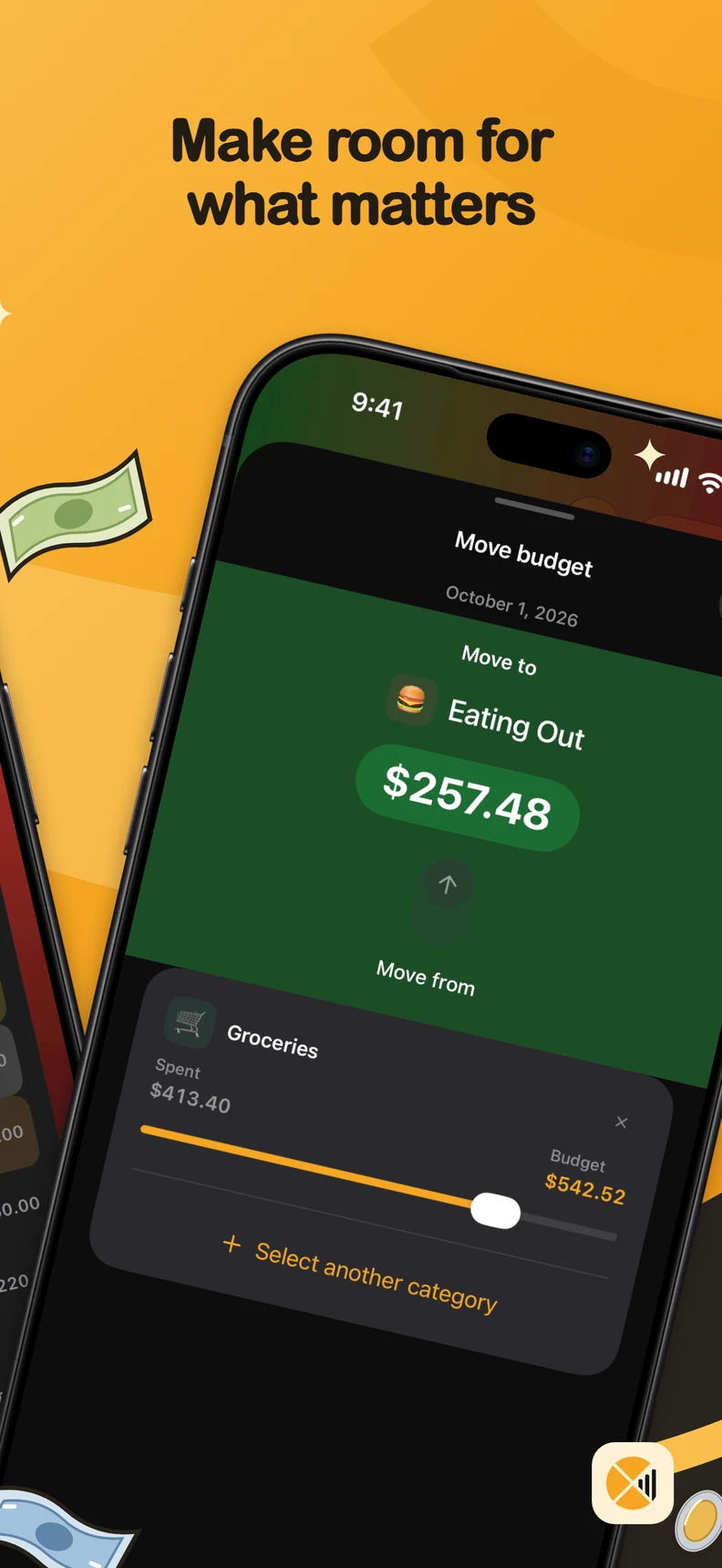
Make room
for what’s next.
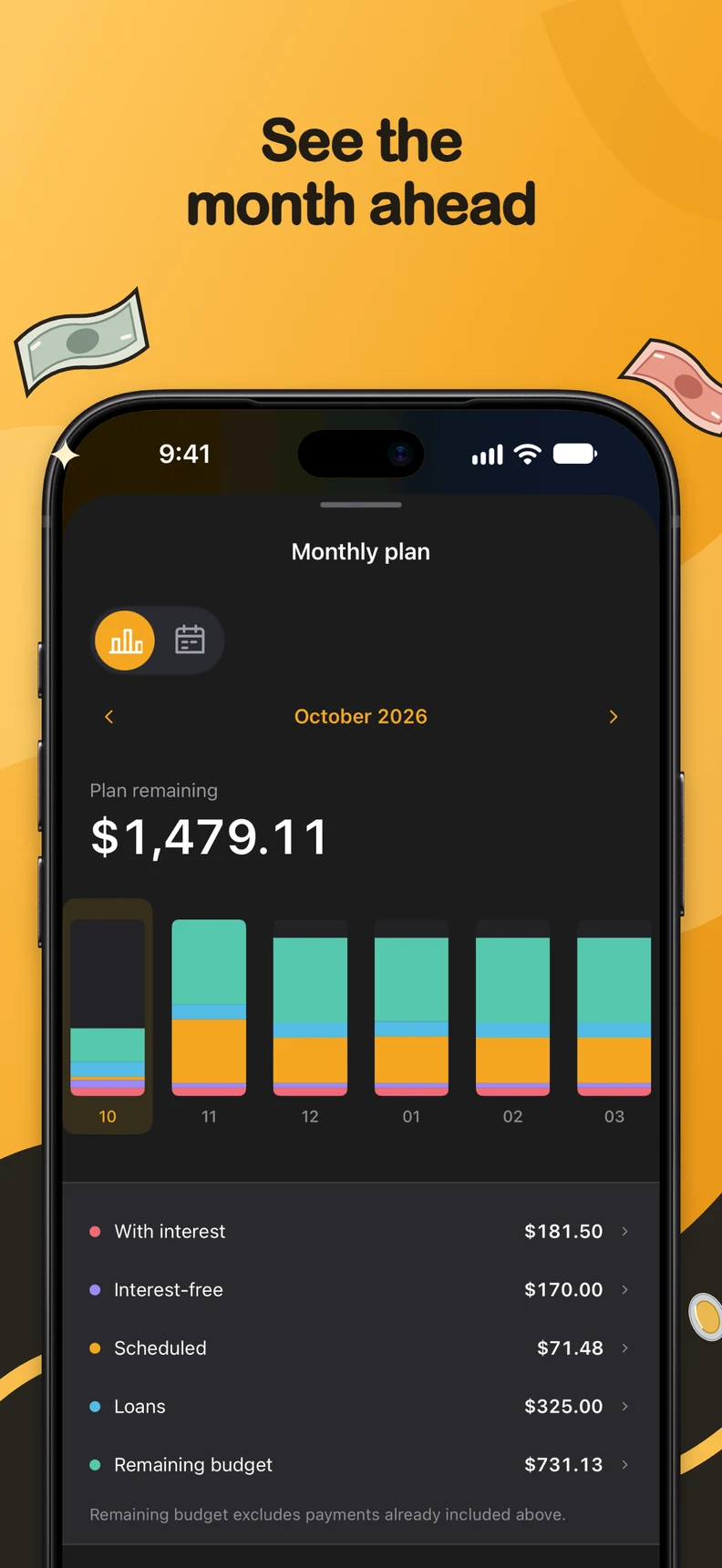
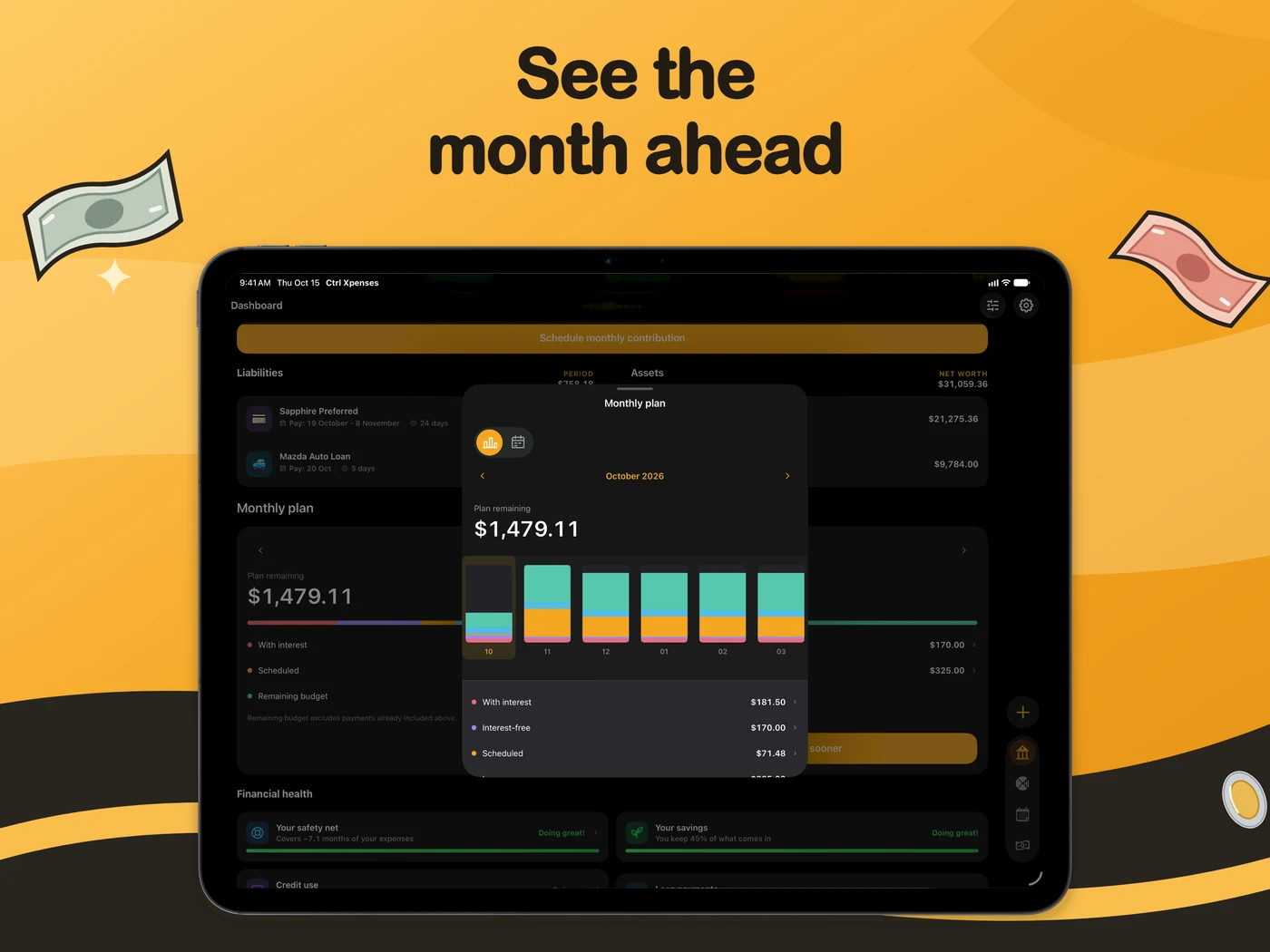
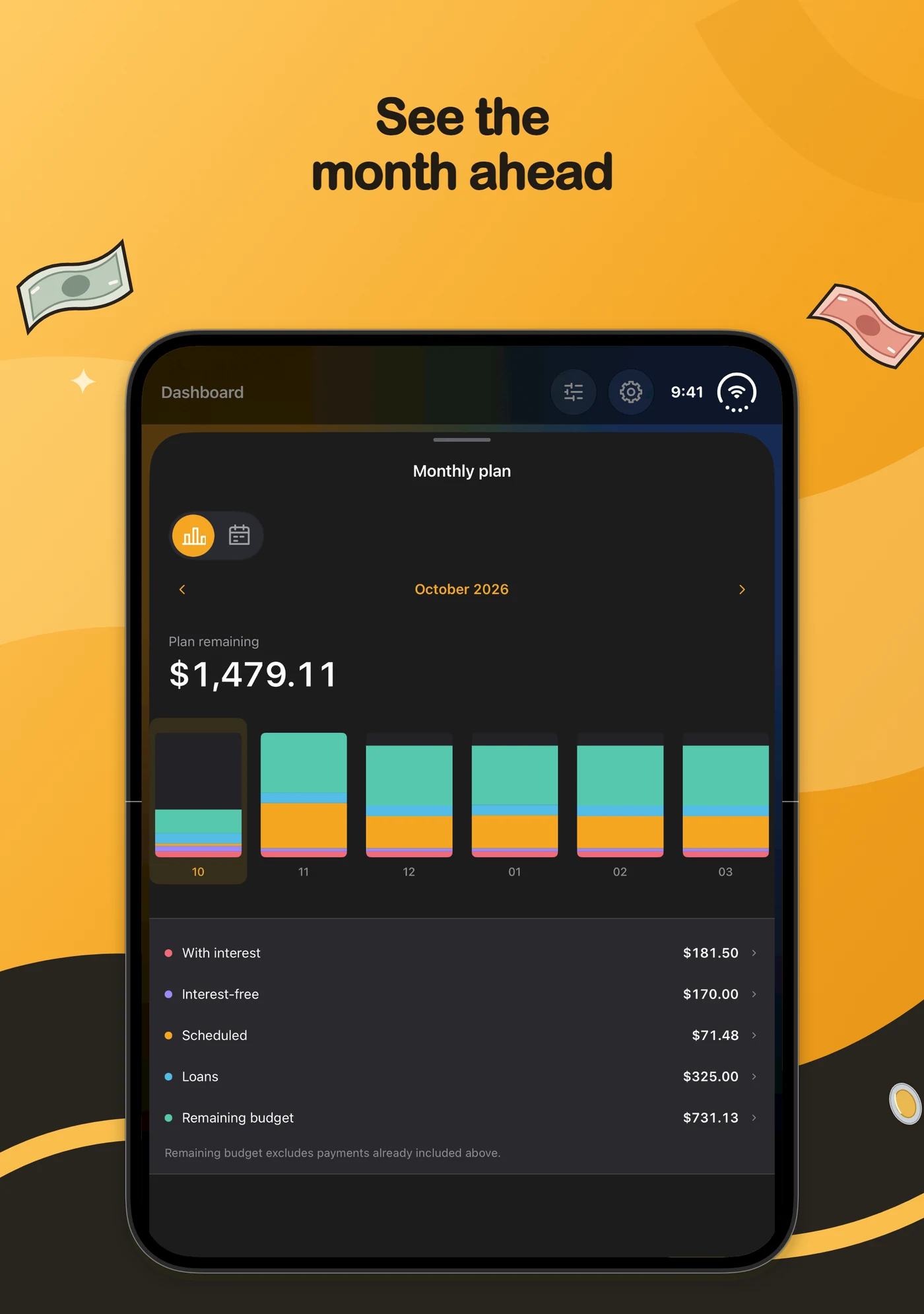
Track savings goals and review your monthly plan. See scheduled expenses, debt and remaining budget before choosing your next step.
02 / Cards and debt
Keep commitments
in view.
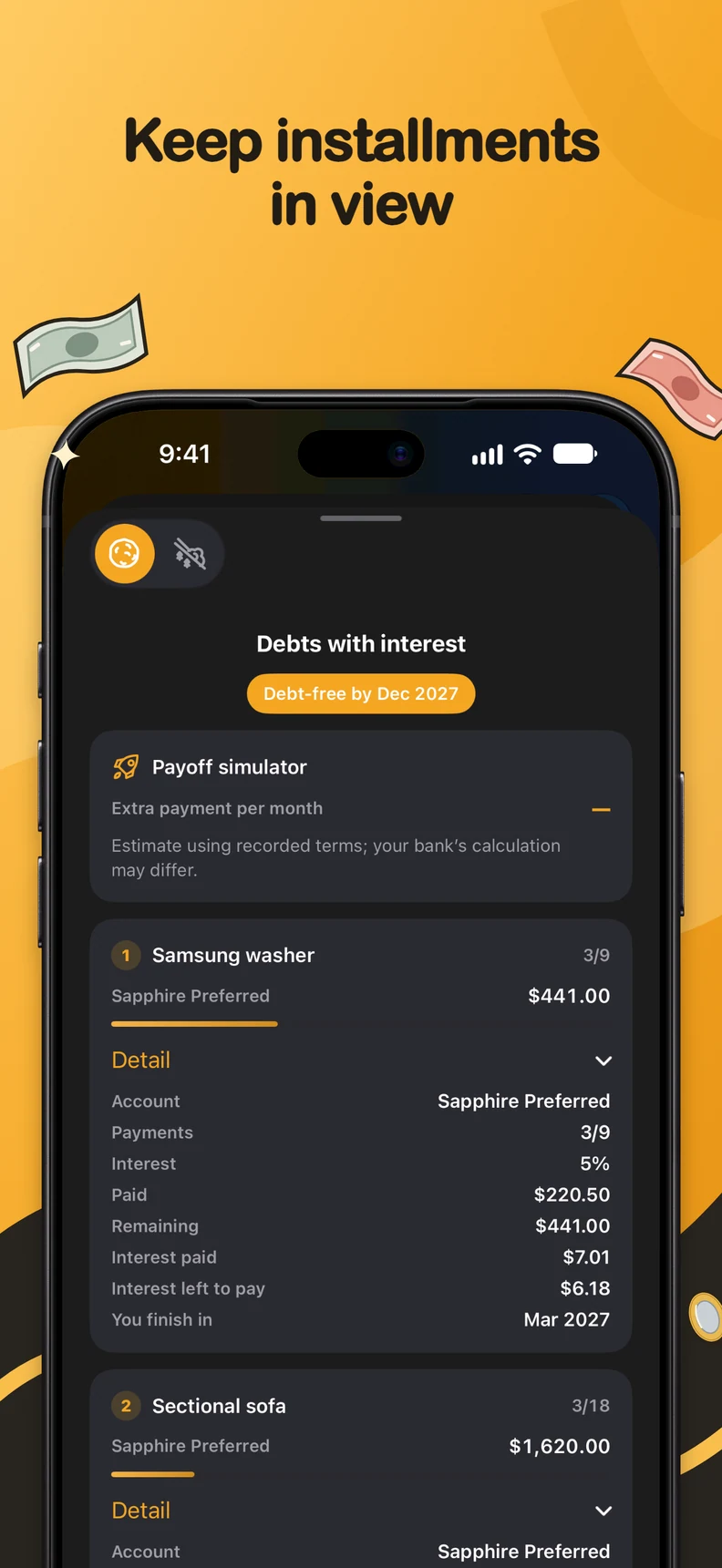
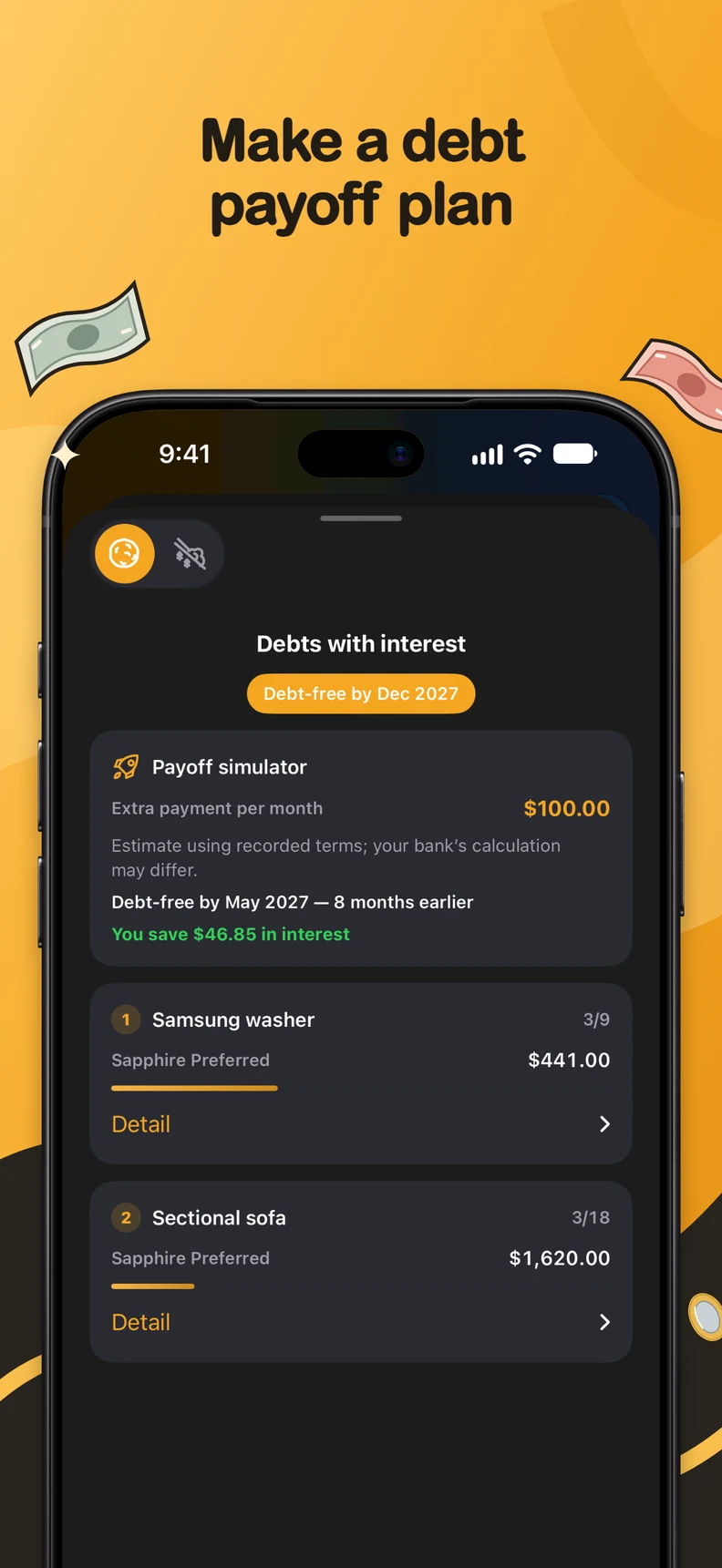
Organize installments and compare debt payoff strategies. Try extra payments and explore estimated payoff dates and interest.
03 / Splits and trends
Every expense,
in its place.
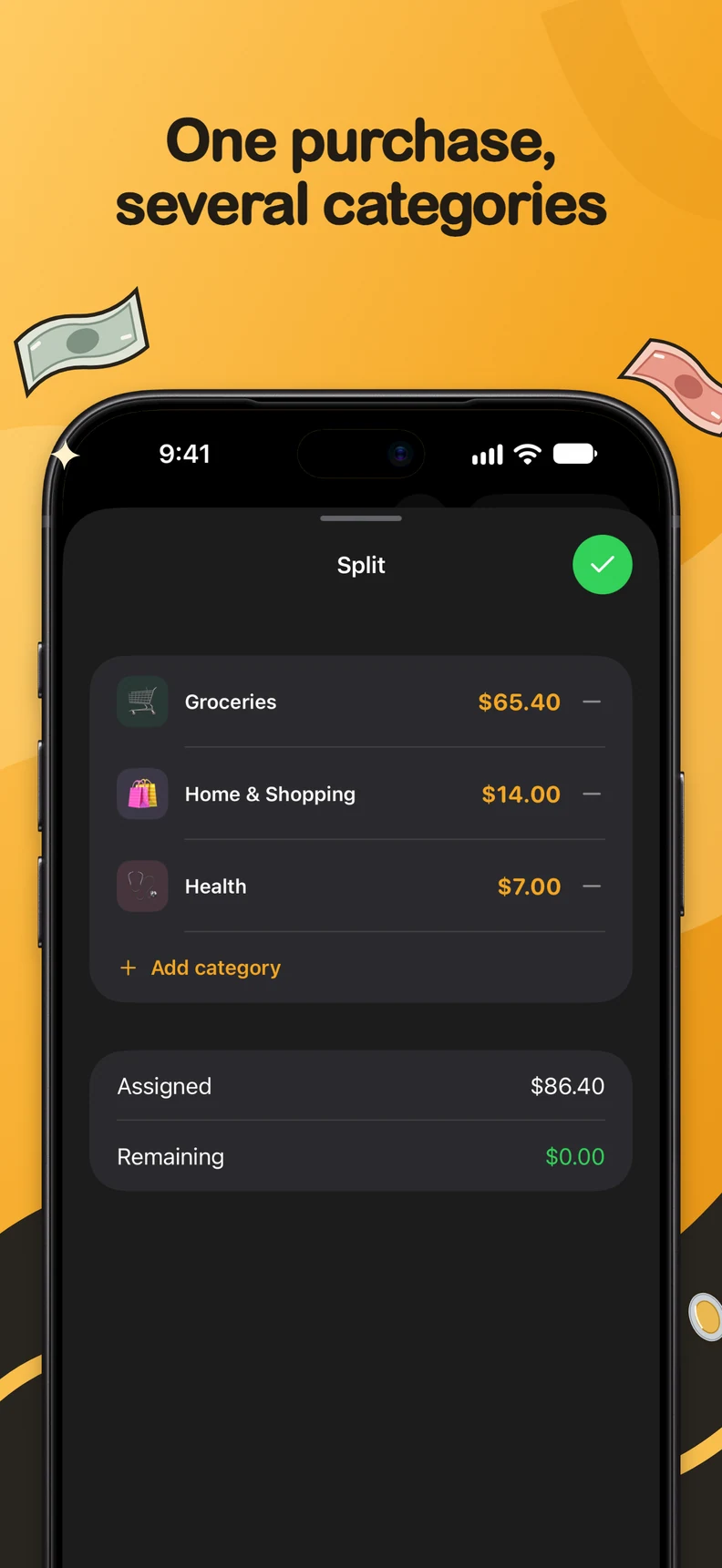
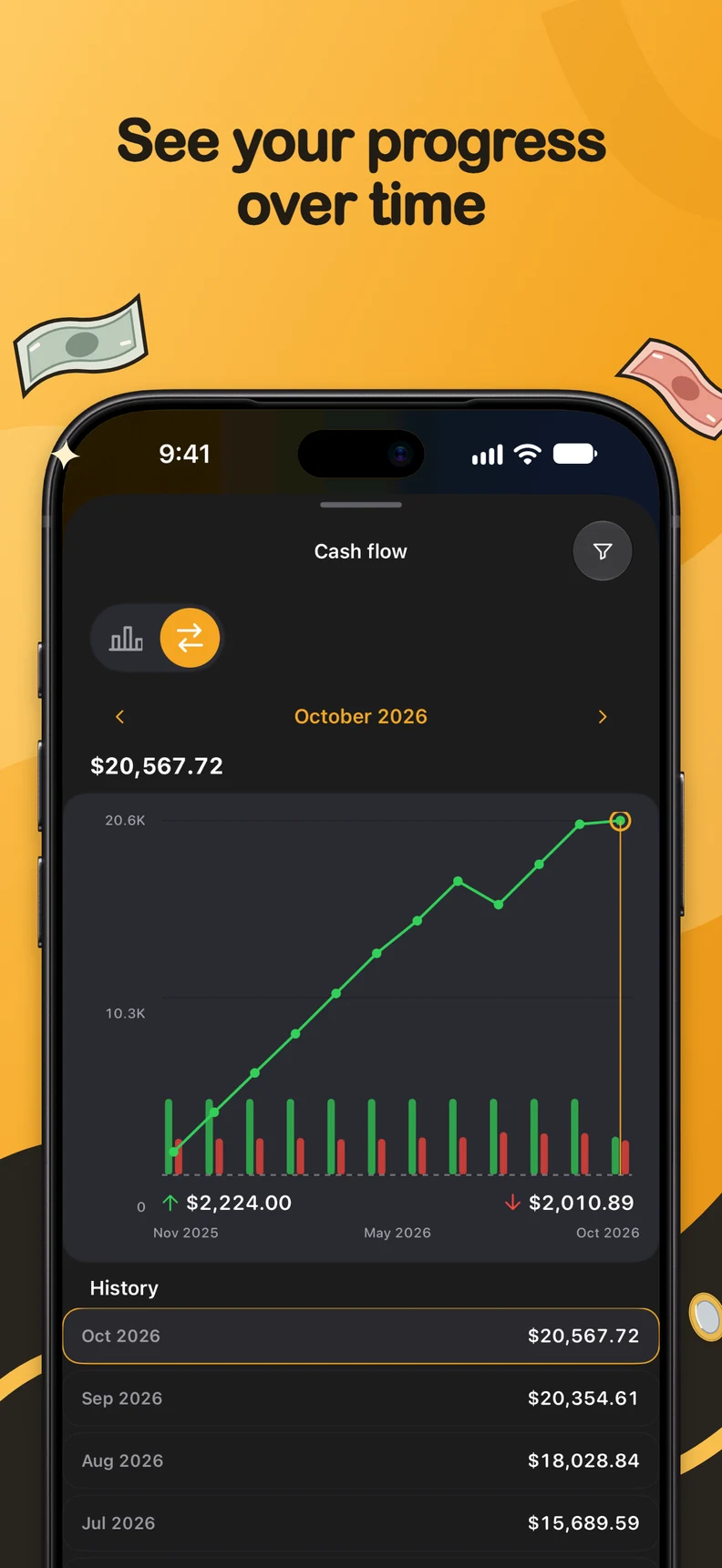
Split a purchase across categories without losing the total. Review cash flow and see how income and spending change over time.
One plan. More room.
On your phone, tablet or iPhone Duo. See your numbers on the screen that’s with you.
Ctrl Xpenses
Your data.
Your device.
Transactions, balances and receipts are stored locally. You choose where to share backups. Ctrl Xpenses never asks for bank credentials or makes payments for you.
Pro purchases, diagnostics, usage analytics and quote lookups use external providers. Backups are manual; there is no automatic sync.
How we handle dataBefore you begin.
Can I start for free?
Yes. You can record transactions and use budgeting tools. Pro adds features and higher limits; current options and prices appear in the app and your store.
Do I need to connect my bank?
No. Record transactions manually or use supported local tools such as typed chat, optional voice input, receipt recognition and imports. The app does not ask for bank credentials or make transfers or payments.
Does it work offline?
You can record and review your finances offline. Purchases, purchase restoration, quotes and exchange-rate updates require internet.
Can I move to another device?
With Pro, you can export a backup and restore it on another device. There is no automatic sync. Keep a copy before replacing or resetting your device or uninstalling the app.

Start with your next plan.
Start free. Unlock more features and higher limits with Pro.
Screens show demo data. Simulations are estimates, not financial advice. Features and languages depend on the app version and device.